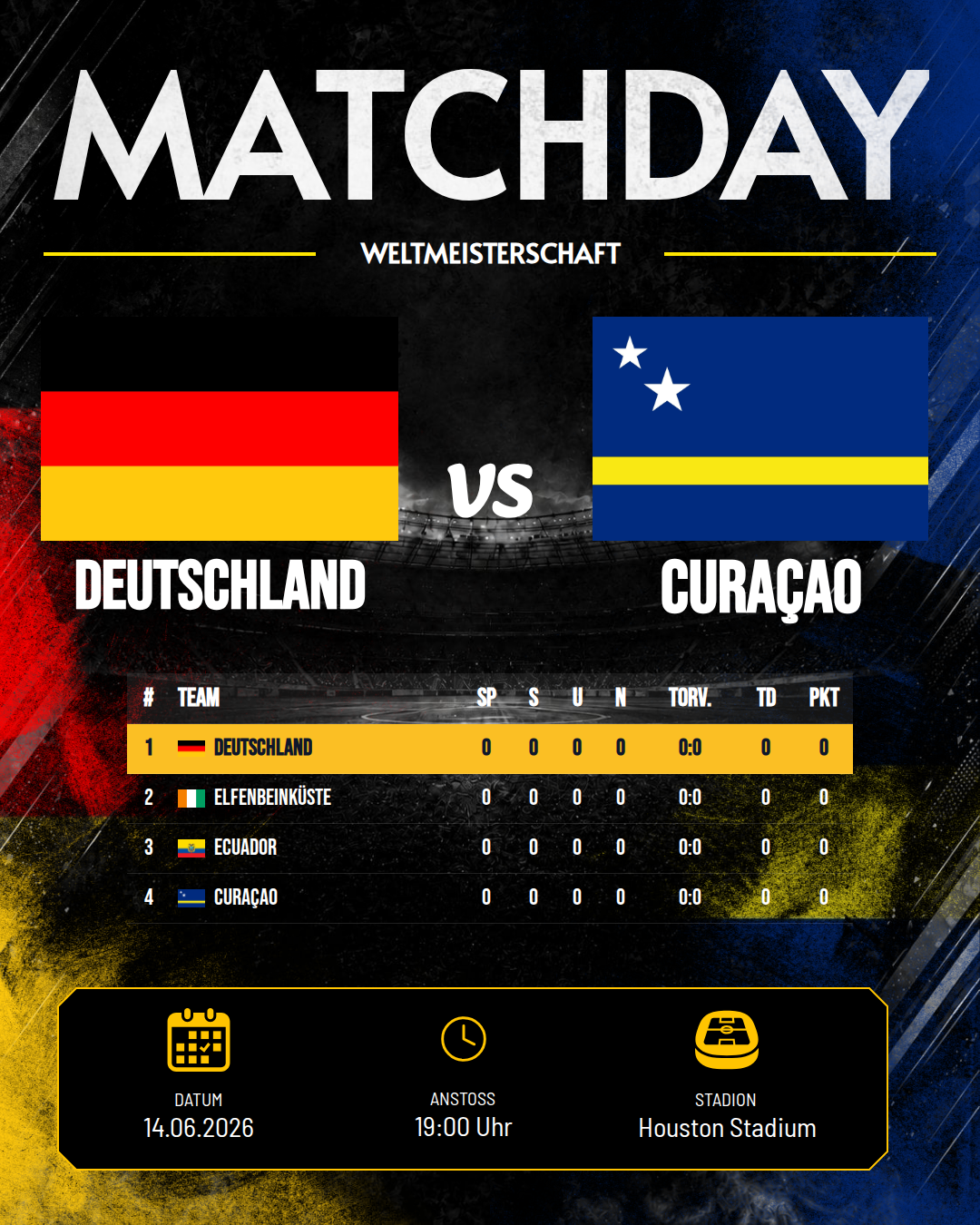
The league table is one of the most reliable content opportunities in grassroots football: after every matchday something moves, and fans want to know where their club stands. Even so, most clubs post a photographed screenshot from the league's website – pixelated, with someone else's logo and nothing to do with their own look.
A clean league table graphic is actually quick to make. Here's how to post the league table on Instagram in a consistent club look.
Why a screenshot of the table doesn't work
- Blurry: screenshots scale badly on Instagram.
- Someone else's look: the design of the league website has nothing to do with your club.
- Hard to read: on a phone, those tiny tables are barely legible.
- No recognition value: the post looks like every other club's.
A table graphic of your own solves all four problems at once.
Creating a table graphic – here's how
- Enter the table data: position, team, matches played, points (and optionally goal difference/form).
- Choose a table template: a layout that suits your club.
- Club colours & crest: these are picked up automatically from your branding – see the club branding guide.
- Highlight your own team: colour your team's row so the eye lands there straight away.
- Generate: ready in Instagram format (1080×1350 px) – or as a Story in 9:16 format.
When to post the table
- After every matchday – the classic, whenever the standings have changed.
- Before the big match – "league leaders host the chasing pack" builds excitement.
- At the halfway point and the end of the first/second half of the season – as a mid-season review.
- At the end of the season – the final table showing promotion and relegation.
The table fits perfectly into your weekly matchday content – straight after the result graphic.
Tip: table + result as a double post
Right after the final whistle, create two posts from the same data: first the match result, then the updated league table. Two posts, one look, just a few minutes' work.
Conclusion
Say goodbye to the table screenshot. A league table graphic in your own club look is sharp, easy to read and instantly recognisable as "your club" – and it's done in a few minutes after every matchday.
Try it for free now and post your next league table the clean way.