Skip to content
MATCHDAY.DESIGNMATCHDAY.DESIGN
FeaturesPricingTemplatesBlog
Sign inRequest access
All templates

"Player of the match" template

"Player of the match" gives individual players a stage – and these are exactly the posts that players, family and friends share most often. The template adds the photo, name, number and the result of the match.
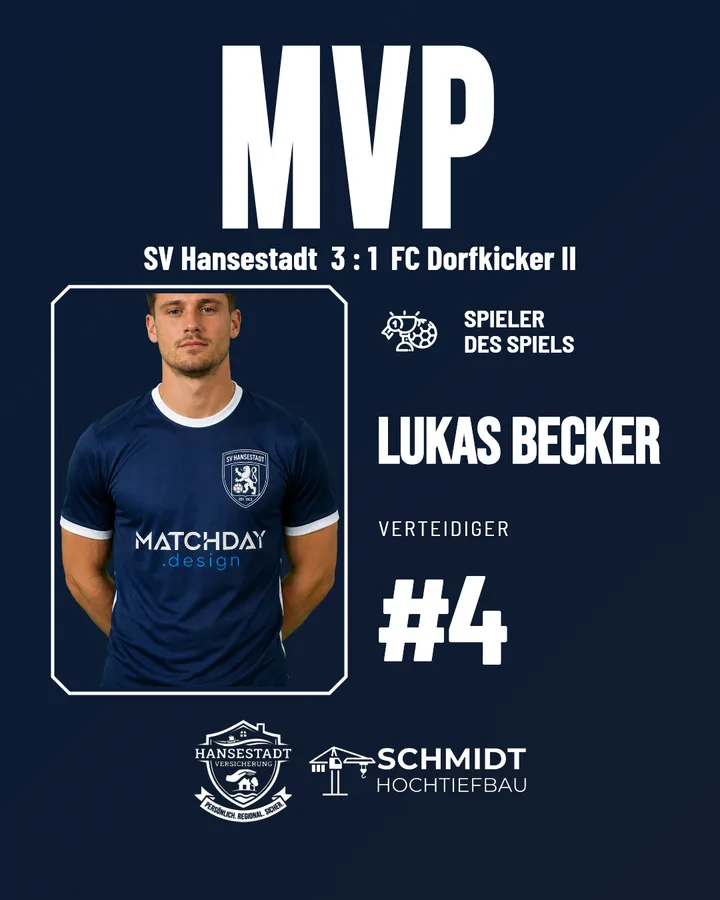
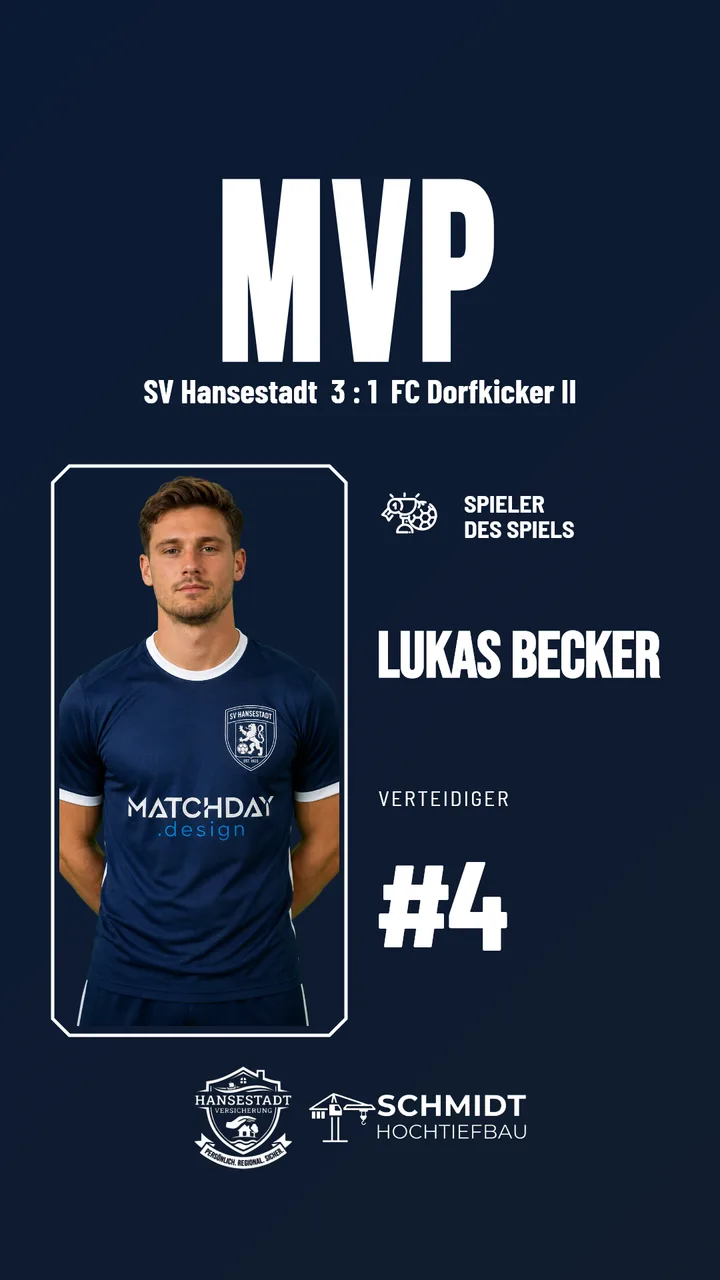
Examples as a post and a story

"Player of the match" template – Example 1 as an Instagram post (4:5)"Player of the match" template – Example 1 as an Instagram story (9:16)

Examples use fictional clubs. In your account, your own crests, colours and sponsors will appear.

What the template fills in automatically

  • Player photo from the squad
  • Name, shirt number and position
  • Result and opponent
  • Your sponsors

How to get the most out of it

  • Add photos to the squad once, ideally with the background removed.
  • Include polls in an Instagram story: the fans vote, the club posts.
Guide: Player of the match as your most-shared post

Your finished graphic in three steps

  1. 1Set up your club design once: crest, colours, sponsors.
  2. 2Choose a template and a match – Matchday fills in the details.
  3. 3Download it as a post or story and share it on Instagram.
Request access

More templates

Match announcement template for matchdayLine-up template: the starting XI as a graphicHalf-time template for the interim scoreGoal template: the goal as a graphic, instantlyResult template: the final score as a graphicLeague table template: the league table as a graphicTransfer template for new signings
MATCHDAY.DESIGN

Instagram posts and stories for amateur football clubs – created in seconds, automatically in your own club design.

Navigation

  • Features
  • Pricing
  • Templates
  • Blog
  • Go to App

Legal

  • Imprint
  • Privacy Policy
  • Terms
  • Cookie Policy
  • Fonts & Credits

Contact

  • support@matchday.design
  • WhatsApp
  • @matchdaydesign

© 2026 Matchday.design — All rights reserved.

ImprintPrivacy PolicyTermsCookie Policy